Bring it in
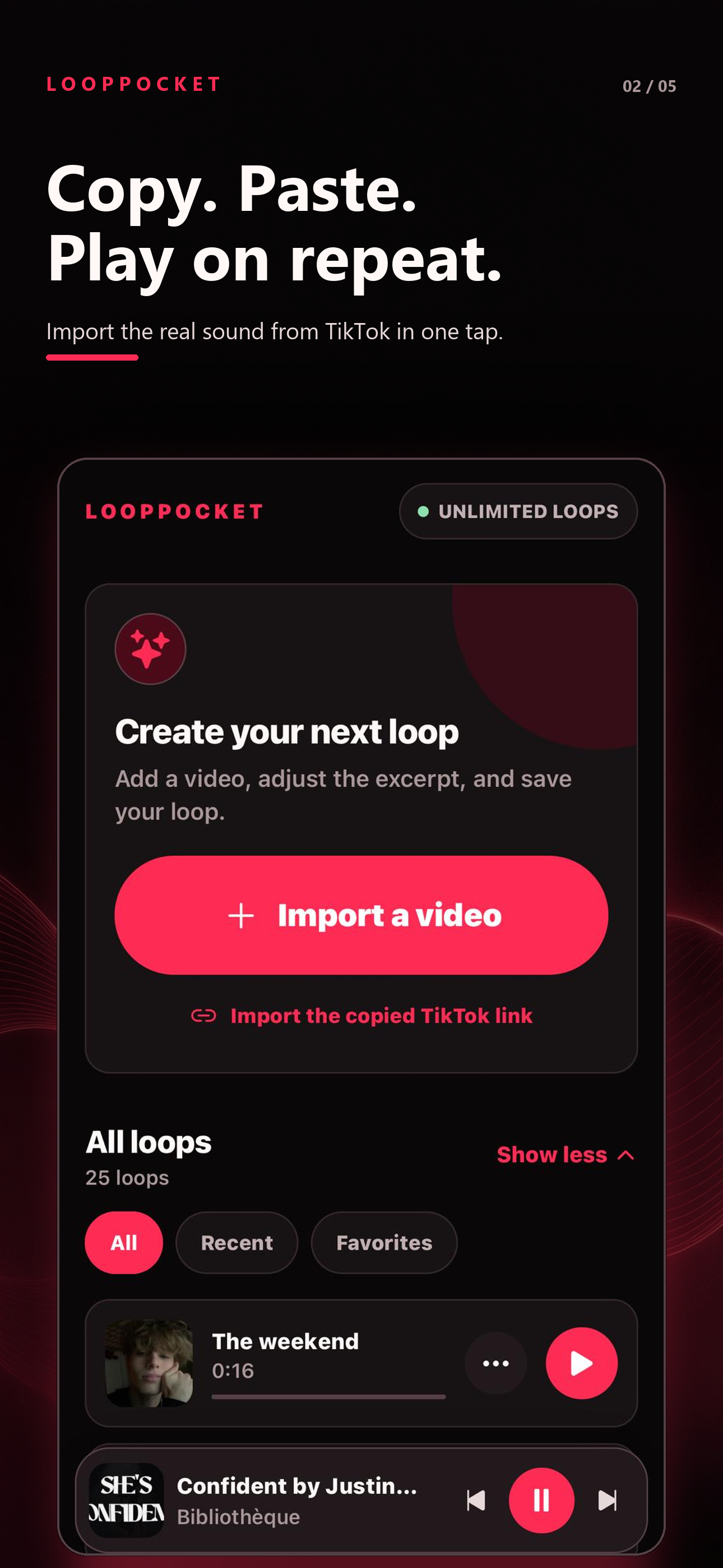
Choose a video or paste the TikTok link you copied.
 LoopPocket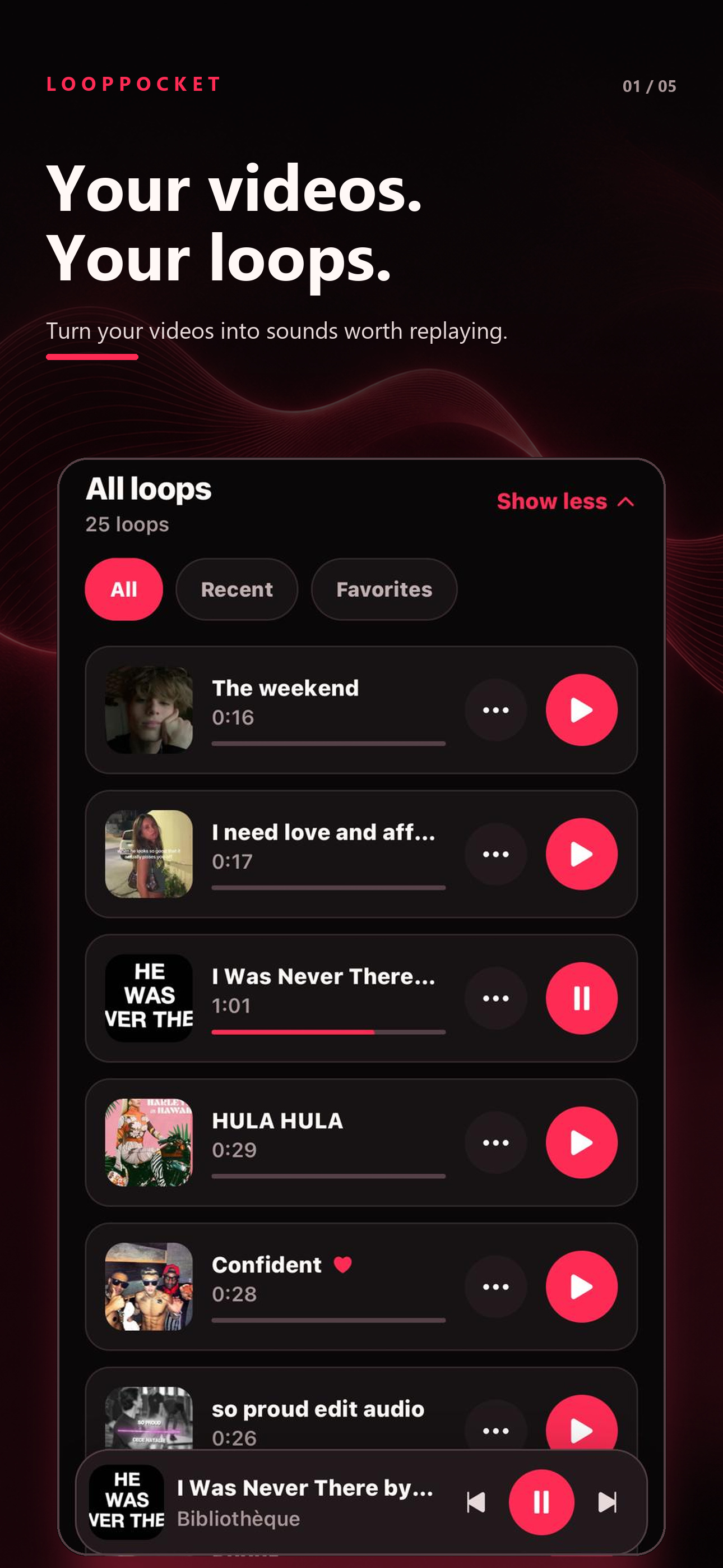
The sound you saved stops being buried in a feed. It becomes yours to replay.
Choose a video or paste the TikTok link you copied.
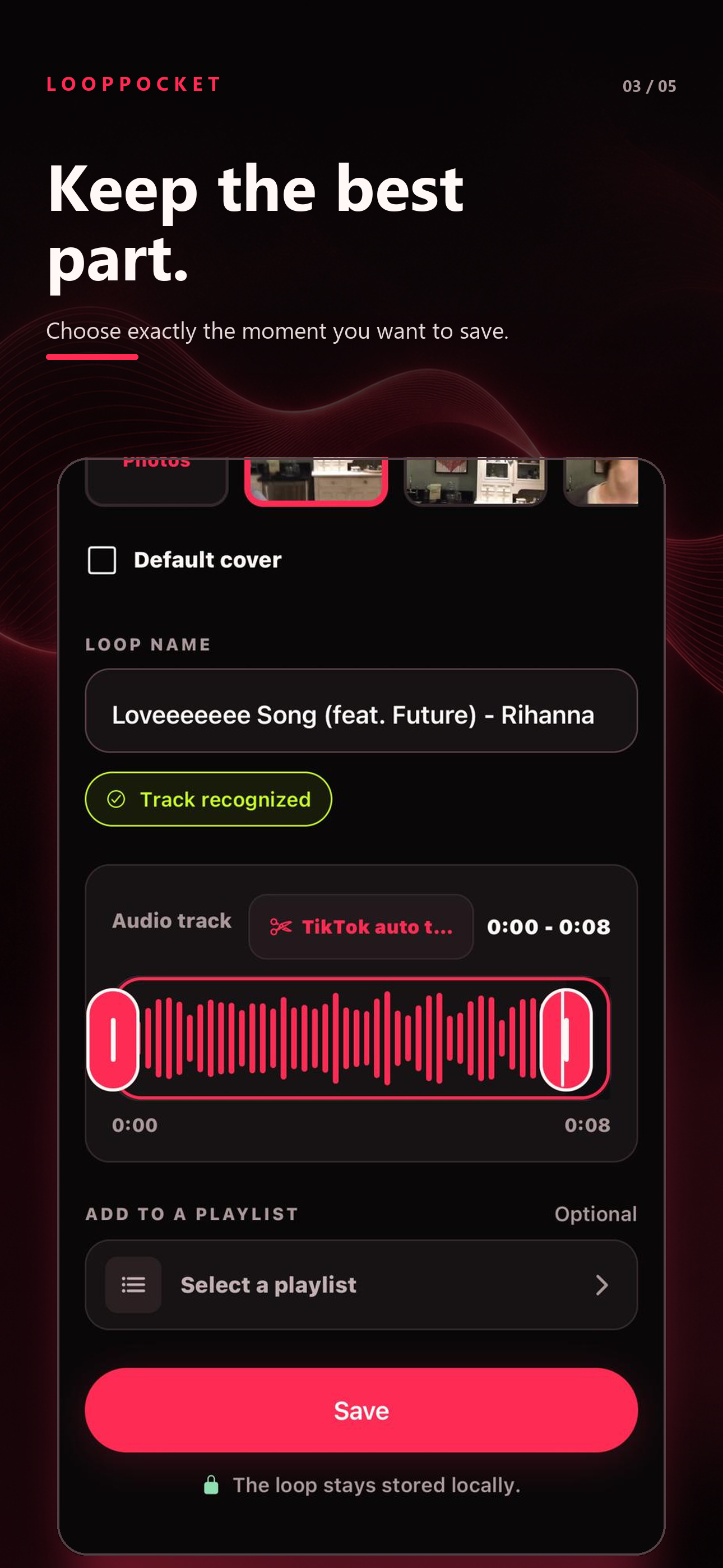
Keep exactly the part you want to hear again.
Your loop is ready offline and in the background.
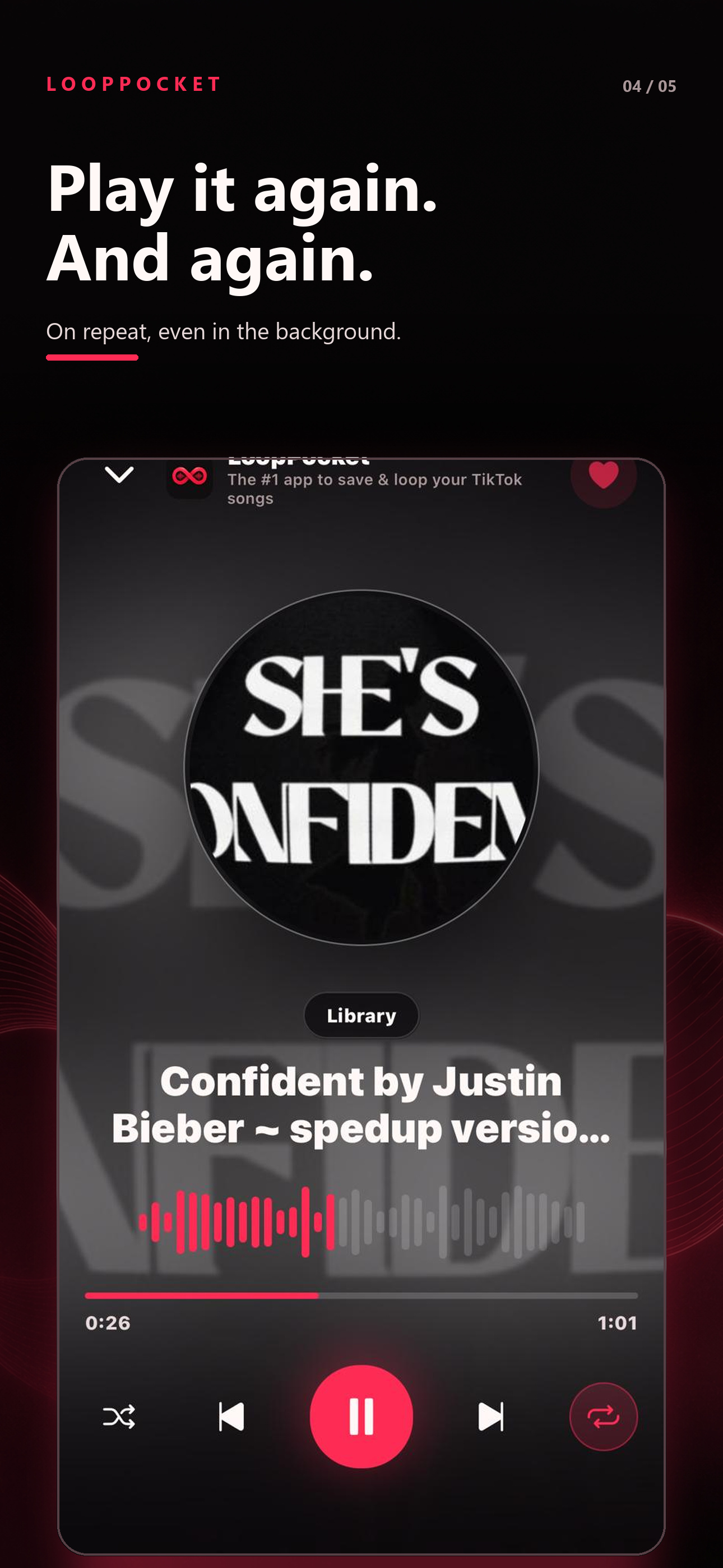
Play it again and again without searching through the original video or returning to the feed.
Group loops into visual playlists, keep favorites close, and move between the sounds that fit right now.
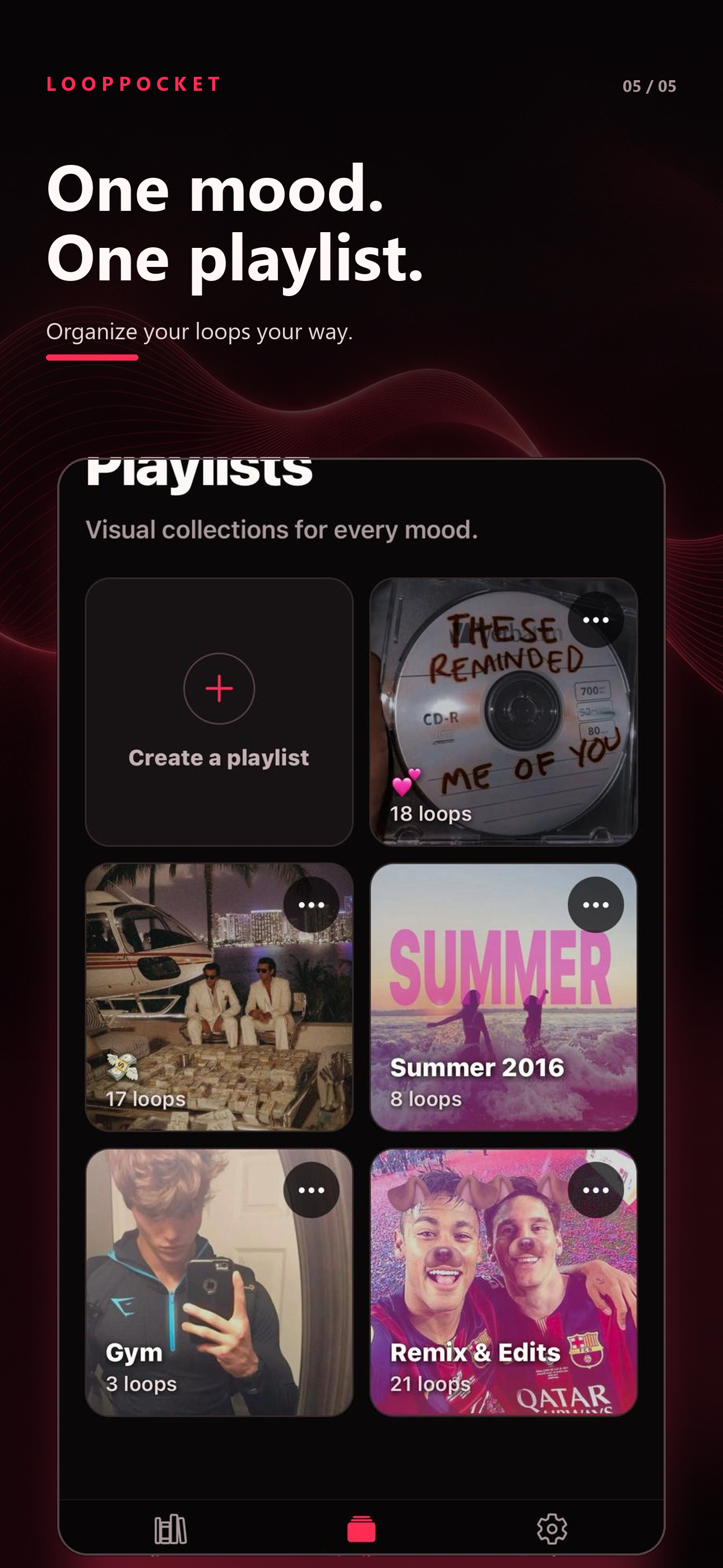
No account. No cloud library. No ads. Your loops and covers stay stored locally on your iPhone.
Start with five loops for free, then decide if LoopPocket deserves a permanent place on your iPhone.